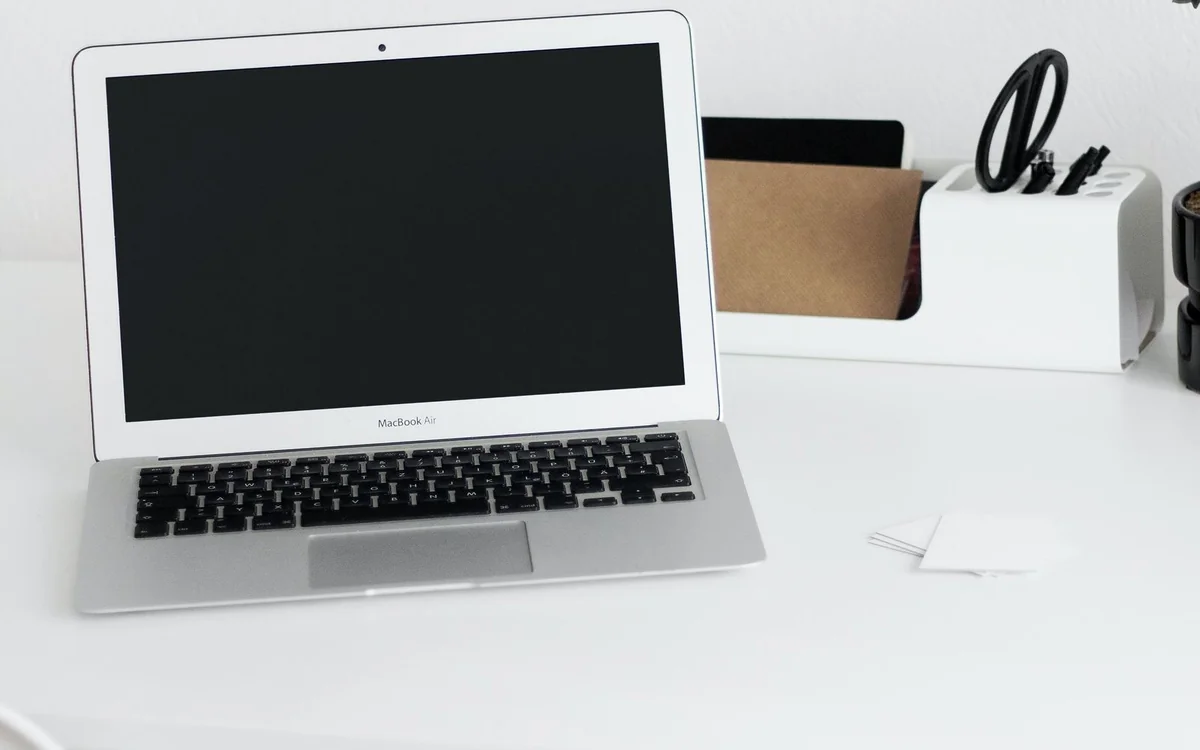
Consider the M4 Air when an exact 2025 configuration is attractively priced and your software fits macOS. Evaluate memory, storage and adapters before treating an older model as a bargain.
An older model deserves a clear purchase case
The M4 MacBook Air discussed here is the 13-inch model introduced in 2025. It is not presented as Apple's latest laptop. This assessment uses Apple's published specifications and does not claim hands-on performance or battery measurements. Current availability can differ by country and retailer; the live Apple store may show another generation. If you are considering remaining stock or a refurbished unit, establish the precise model and configuration first.
The appealing purchase scenario is straightforward: a portable computer for research, email, presentations and creative work that does not require a specialised workstation. The difficult question is not whether its chip sounds powerful. It is whether the particular unit gives you enough practical capability, at a meaningful saving, compared with current alternatives. A small saving can disappear when an adapter or larger storage configuration is necessary.
Published hardware in brief
Apple lists a 13.6-inch display, a starting memory allocation of 16GB and storage beginning at 256GB. The 13-inch model has two Thunderbolt 4 ports, MagSafe charging and a headphone socket. Published weight is 1.24kg. These are specification facts, not conclusions about how the keyboard feels or how long the computer lasts on your commute. For complete configuration details, follow the official specification source below.
Our inference is that this arrangement suits someone who moves between a home workspace and a shared office, especially if the desk already has compatible peripherals. It is less convenient when every meeting involves a USB-A drive or an HDMI projector. Those scenarios may require adapters. Decide what lives in your bag and price it with the laptop, rather than discovering the connection problem ten minutes before a presentation.
Think about the entire application chain
Check your essential software on macOS before choosing an Air. A browser-based invoicing service is generally a simpler requirement than a niche desktop tool with a specific plugin. University departments and employers may publish supported platforms; treat that information as a purchasing constraint. Compatibility questions are especially important if you are changing from Windows and expect old accessories or specialist utilities to follow you without adjustment.
A photographer should trace the workflow from camera import through editing and backup, not stop at the editing application's name. A developer should examine local tooling and any virtualisation requirement. A business user should check company management software and the exact spreadsheet features used at work. Published processor specifications cannot resolve those questions. The best purchase is a complete working environment, not just a capable processor in a thin case.
Spend configuration money deliberately
For document-heavy work with a disciplined cloud and backup routine, the base storage may be workable. It becomes less attractive when you keep a photo library, large projects or offline media locally. Look at the used space on your current machine, then add expected growth and room for updates. An external drive can hold archives, but carrying one creates an extra connection and a separate backup responsibility.
Memory deserves the same workload-based approach. Do you normally keep a meeting, many browser tabs and a large creative project open together? Do not rely on the number of tabs alone; their contents vary. If a demanding workflow is already constrained on another computer, inspect its memory use before deciding. Choose configuration headroom because a task benefits, not because a retailer implies every serious buyer needs the largest option.
Treat portability as a system
The appeal of a compact notebook is that it can join a normal day without turning every journey into equipment transport. Yet total carry weight includes its charger, sleeve and adapters. Someone walking between several classes might value a tidy single-charger setup more than a marginal change in processor generation. Someone working from a permanent desk might value screen space and port access instead.
Try a similar screen size before committing. A compact computer can be comfortable for focused writing but cramped for a spreadsheet and source document placed side by side. Text scaling and window organisation help, although they cannot create physical desk space. If you plan to use an external monitor, check the official display-support requirements for this exact generation and ensure the dock or cable supports the intended connection.
Battery figures are not our results
Apple publishes battery estimates obtained under its stated test conditions. We have not reproduced them. A long video meeting with background software, bright surroundings and a weak wireless connection is not the same task as a controlled web or video test. For that reason, this assessment does not translate a manufacturer figure into a guaranteed number of working hours.
Plan around the longest period you genuinely need away from power, then leave a margin. If your office, home and usual cafe all provide sockets, charging convenience may matter more than chasing a maximum headline. If you routinely work in transit, ask how you would handle a delayed journey. A compatible power supply is a practical backup; an optimistic expectation is not.
When to buy and when to pass
The M4 Air makes a stronger case when a verified configuration, trustworthy seller and usable return window align with a meaningful saving. Compare it with the current generation in the same memory and storage class. A headline discount can hide a low-storage configuration while the comparison model offers more. Check the condition, charger contents and service terms if buying refurbished.
Pass if your essential software does not support the platform, the connection requirements are awkward or the total cost sits too close to a more suitable alternative. Also pass if your planned work depends on sustained heavy processing and you have not researched that workload separately. Our verdict is conditional because an honest specification analysis cannot prove real-world speed, thermal behaviour or comfort. It can help you avoid a poor match before money changes hands.
At a glance: choose for your routine
| Your situation | What to prioritise | The tradeoff |
|---|---|---|
| Discounted 2025 stock for documents and meetings | Exact model identification and a meaningful saving against equivalent current configurations | A small headline discount can disappear after storage and adapters are included. |
| Local photo libraries and growing creative projects | Storage that fits current files plus expected growth | A larger configuration costs more; external archives add another device to manage. |
| Workplace with specialist Windows applications | Verify the complete application and plugin workflow before choosing macOS | A suitable Windows notebook may be the practical choice despite the Air’s portable format. |
| Home desk plus regular travel | Check the intended display, dock and charging connections together | A compact built-in screen may feel cramped when working without the desk display. |
Options to consider
Compare the exact model, configuration and local warranty before ordering. Prices and availability can change; the links below open official product or brand information.
M4 MacBook Air specifications
Use the official model record to verify a 2025 listing.
Consider the tradeoff: This is a specification destination, not a live-stock promise.
Explore at the official siteApple Certified Refurbished Mac
A manufacturer refurbishment route to compare when older stock is available.
Consider the tradeoff: Inventory and exact configurations vary; verify the model in the listing.
Explore at the official siteYour questions answered
Have you benchmarked this laptop?
No. This is a published-specification analysis with editorial recommendations about workflow and purchase fit, rather than a hands-on test.
Should I buy the cheapest configuration?
Only if its storage and memory fit your workload. Compare the total configuration and accessory cost with current alternatives.
Sources & methodology
Sources checked 7 October 2026. Recommendations are editorial judgments based on documented features, compatibility and everyday scenarios. Manufacturer performance figures are claims, not our measurements. Read our editorial policy.